
BMW X2 F39 parts
With its sweeping roofline and prominent double kidney grille, the X2 F39 is the BMW SUV that most openly embraces its coupe ambitions. Choosing the right BMW X2 F39 parts means extending that M Performance spirit into the interior as well as the exterior details.
-
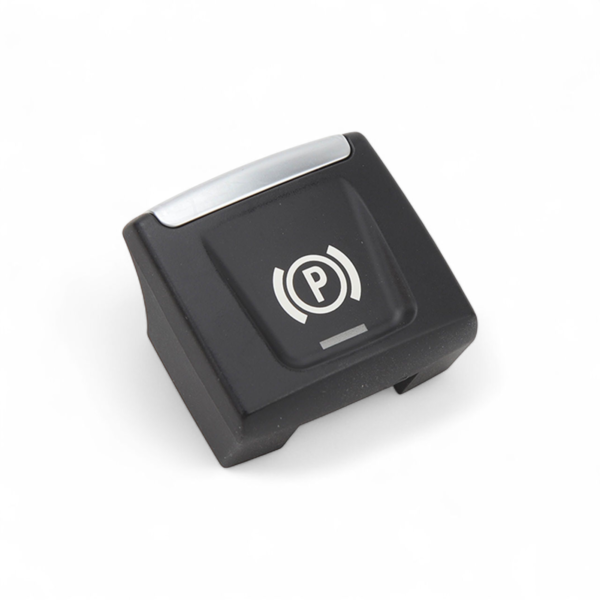
Replacement Electronic Parking Brake Button, BMW X2 F39
BMW X2 F3929,00 € -
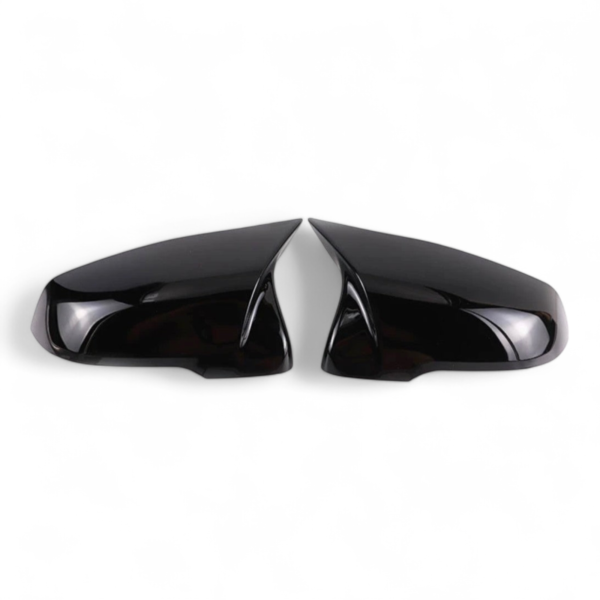
M Performance Style Gloss Black Mirror Caps, BMW X2 F39
BMW X2 F3989,00 € -
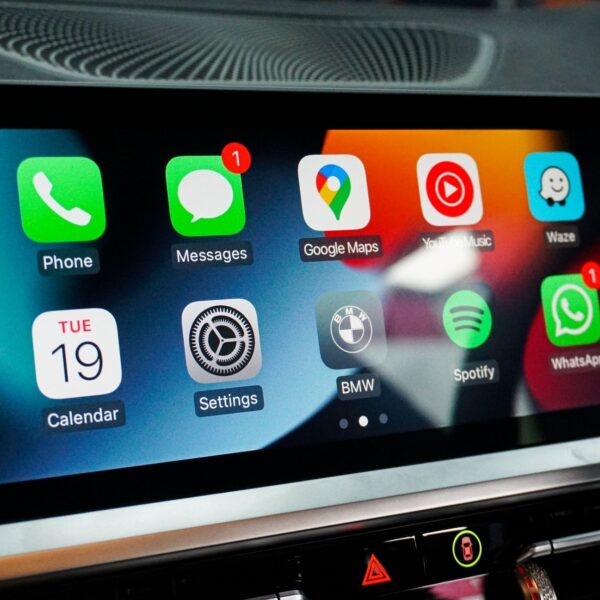
Apple CarPlay and Android Auto head unit module, BMW X2 F39
BMW X2 F39359,00 € -
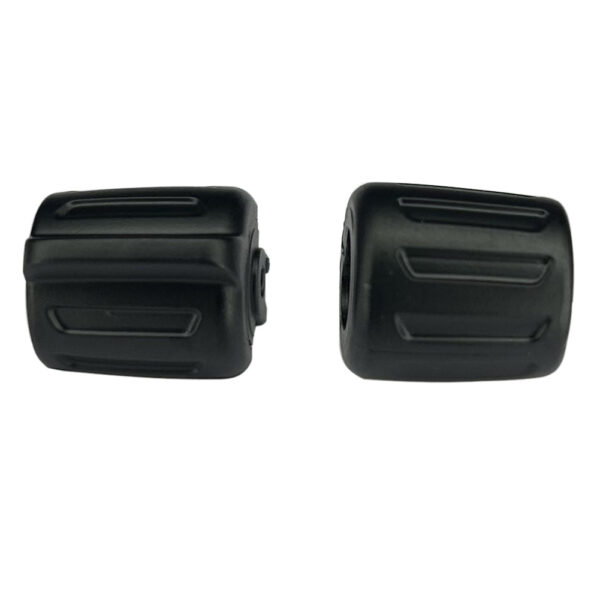
Replacement Button Set, BMW X2 F39
BMW X2 F3929,00 €
Customizing Your X2 F39: BMW Style Taken One Step Further
The X2 F39 holds a unique place in the BMW lineup: this athletic coupe SUV was designed to stand out, with its well-defined kidney grille and sloping roofline that recalls a coupe more than a traditional crossover. Working on accessories for this model means complementing an already confident design rather than correcting it. The BMW X2 F39 parts available here target the interior and connectivity, two areas where the impact is immediate in daily use.
Buttons and controls, CarPlay, and mirror caps: these three categories directly affect how you use the car, what you see and touch on every drive. The modifications remain accessible, require no mechanical work, and the results are immediately felt inside the cabin.
How to Choose the Right Parts for the X2 F39
Before placing any order, check your chassis code on the vehicle registration document: the X2 shares some references with other BMW models, and compatibility depends on your vehicle's exact configuration. Buttons and controls vary depending on the version of the onboard iDrive system. CarPlay modules require your X2 to be equipped with the factory navigation system. Mirror caps depend on the options fitted to your specific vehicle.
The catalog currently covers three categories for this model: buttons and controls, CarPlay and multimedia, and mirror caps. These are everyday touchpoints, subtle to the eye but ones that genuinely change the overall feel inside the cabin.
Can Apple CarPlay Be Added to an X2 F39 That Did Not Come With It From the Factory?
This is one of the most frequently asked questions about this model. Activation interfaces and retrofit modules exist to integrate CarPlay (and often Android Auto) without replacing the factory screen. The result integrates into the existing iDrive interface and retains the factory look. Check the product listing: compatibility depends on the version of the navigation system fitted to your vehicle.
Check your vehicle generation before ordering: if the stated compatibility is wrong, return shipping is on us and you get a full refund.